 DocScanProX
Your pocket scanner, from photo to perfect PDF
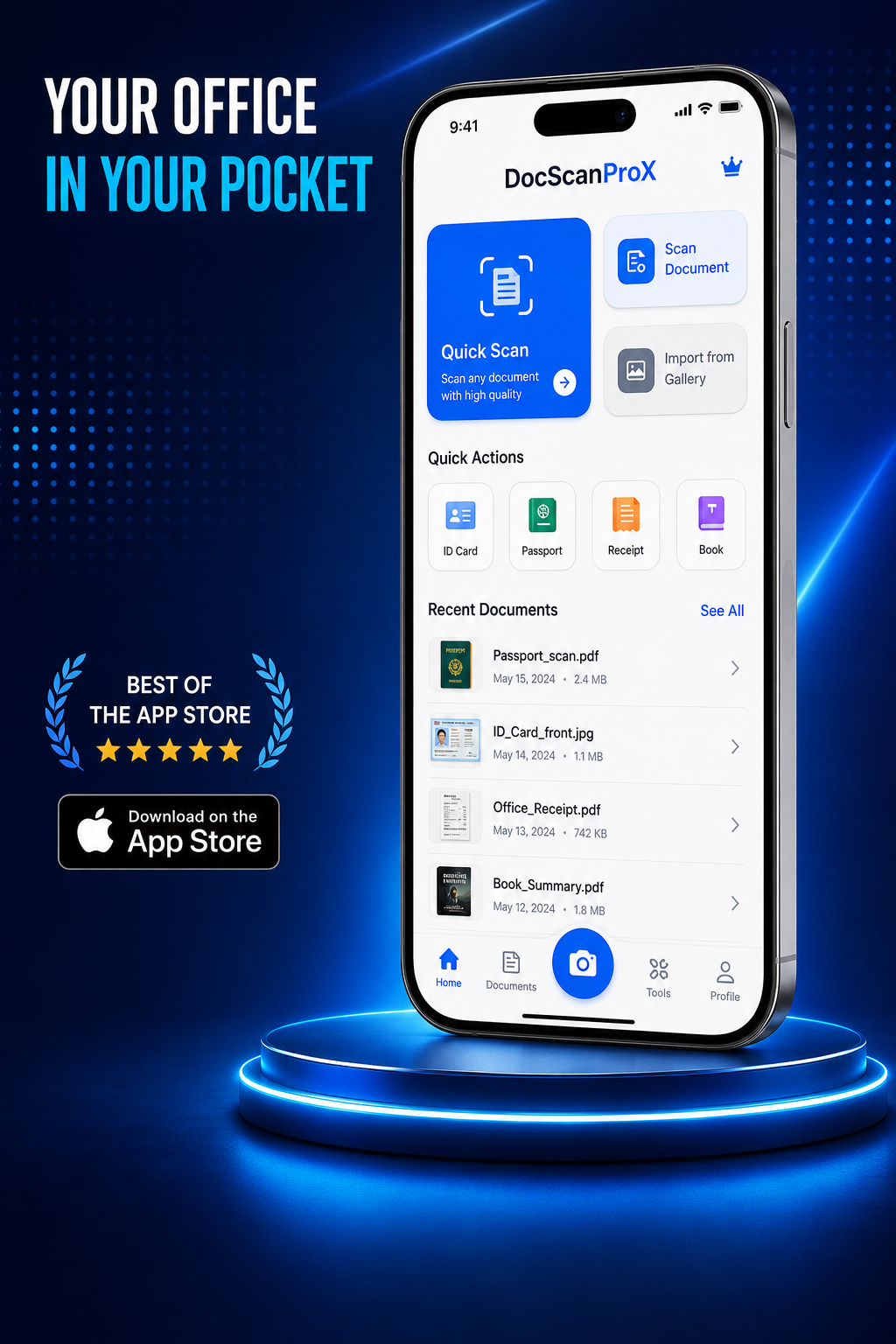
DocScanProX detects page edges automatically, straightens the perspective, and turns any document into a crisp, shareable PDF — every scan processed right on your iPhone.
- On-device processing
- No account required
- Unlimited free scans
Hold steady — auto-capturing…
Everything a scanner app should be
Fast capture, clean output, and a full PDF workflow — without sending your documents anywhere.
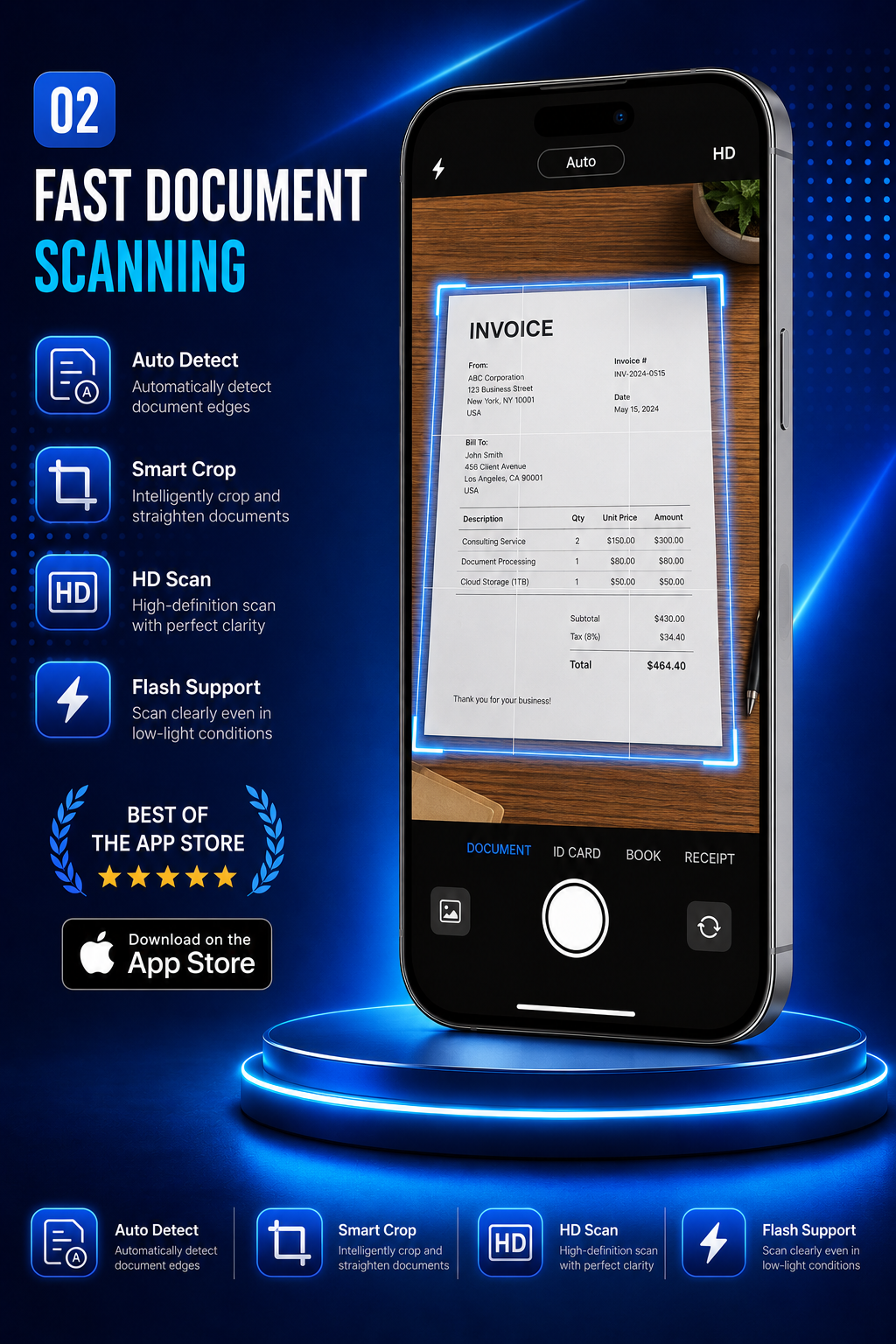
Automatic edge detection
The camera finds the page, corrects the perspective, and captures the moment your hand is steady.
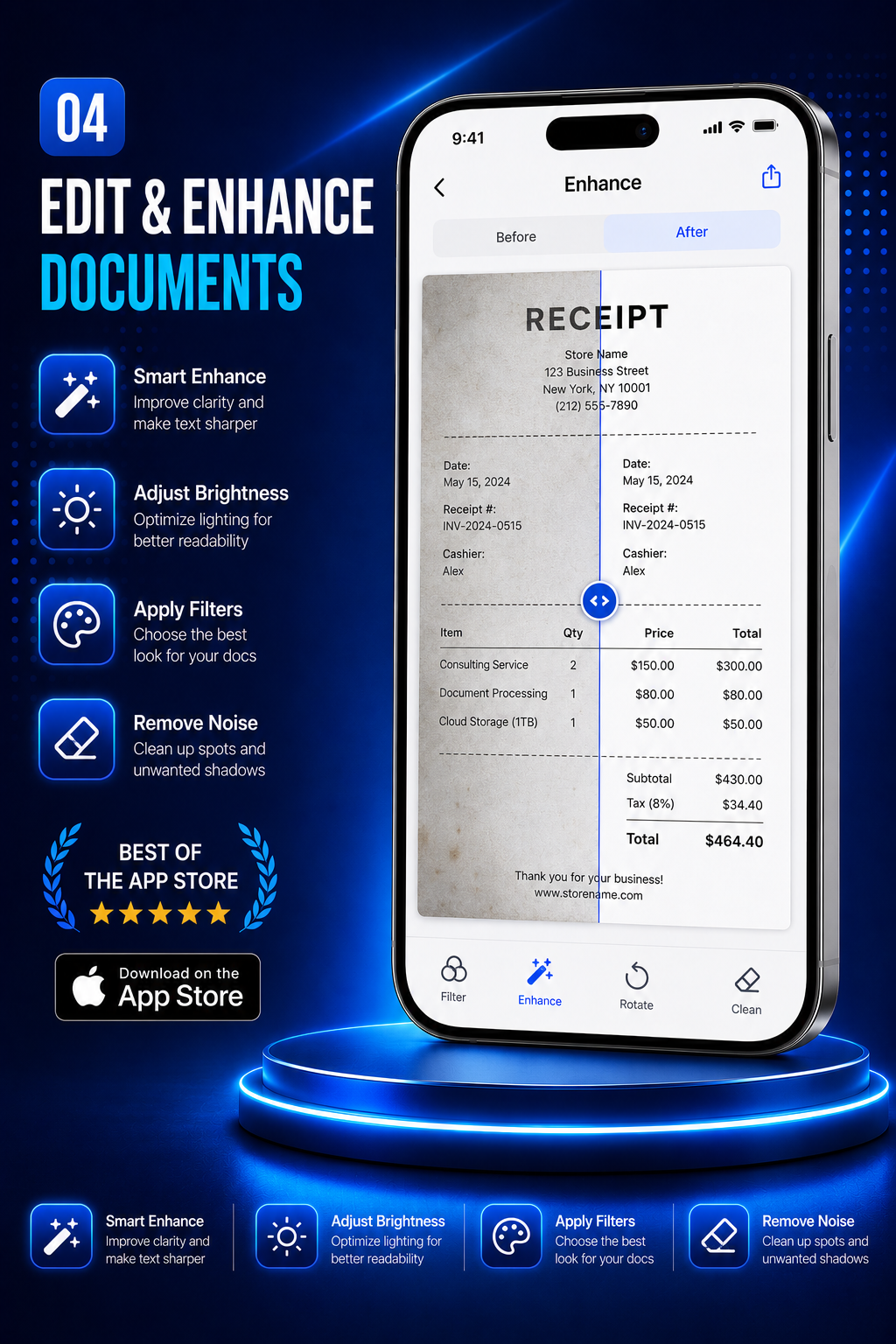
Pro-grade enhancement
Auto, grayscale, B&W, and lighten filters plus manual brightness and contrast — apply to one page or all.
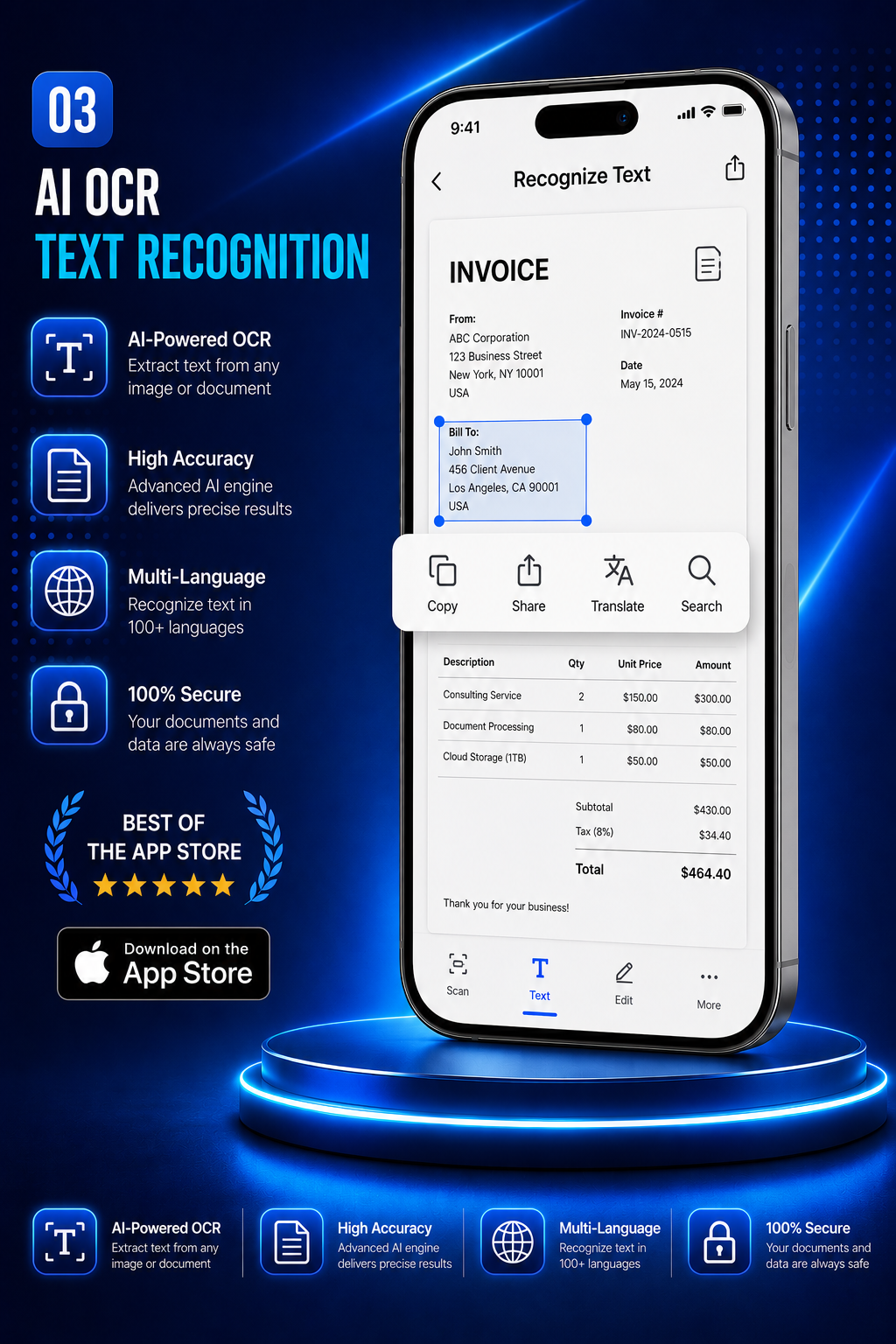
OCR text recognition
Pull selectable, searchable text out of any scan, then copy it or export it as a .txt file.
Multi-page batch scanning
Capture page after page, then drag to reorder, rotate, retake, or delete before you export.
ID card mode
Scan the front and back of a card and place both on a single, tidy page — ready to print or send.
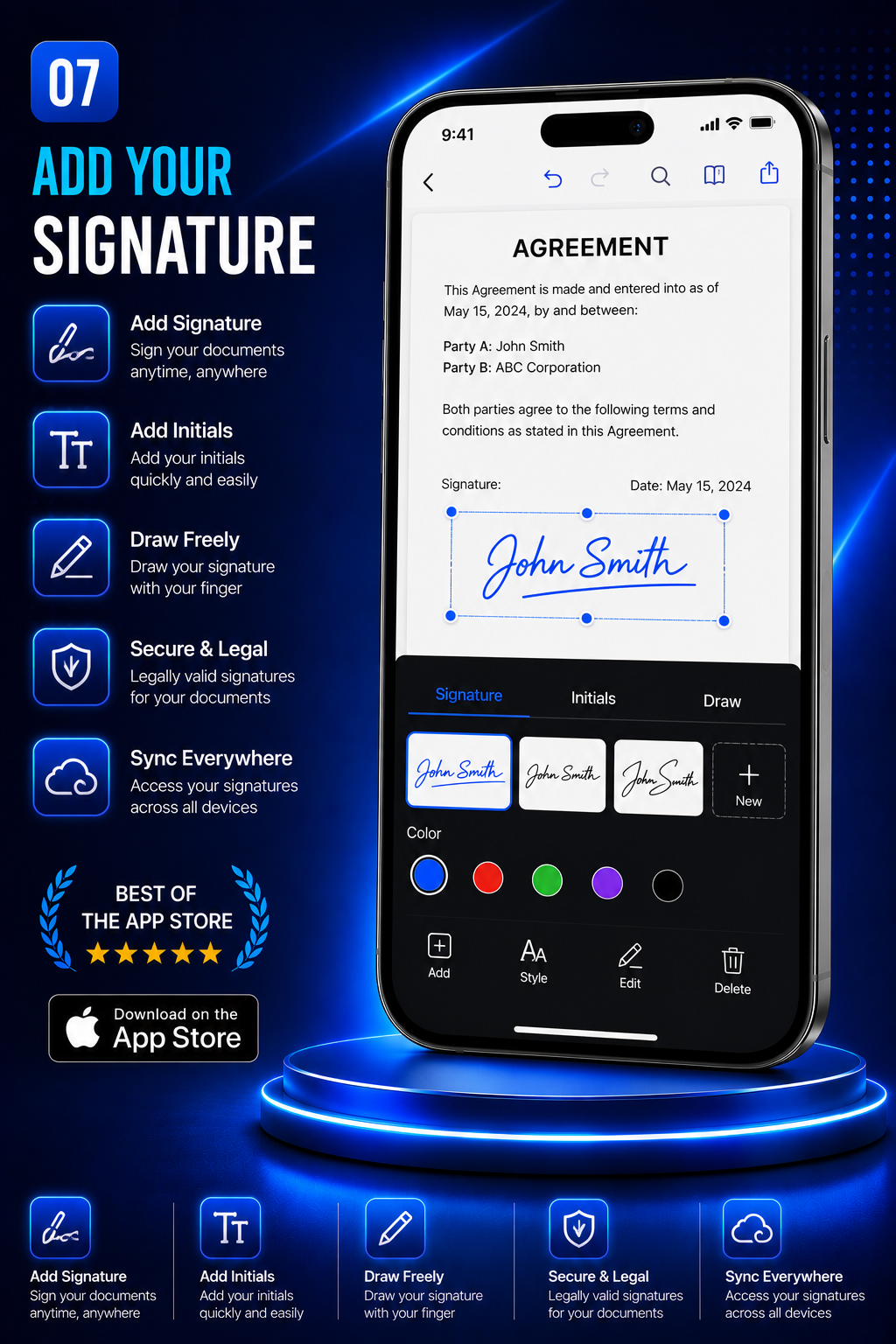
Sign & date documents
Draw a signature once, save it, then drop it anywhere on a page along with a date stamp.
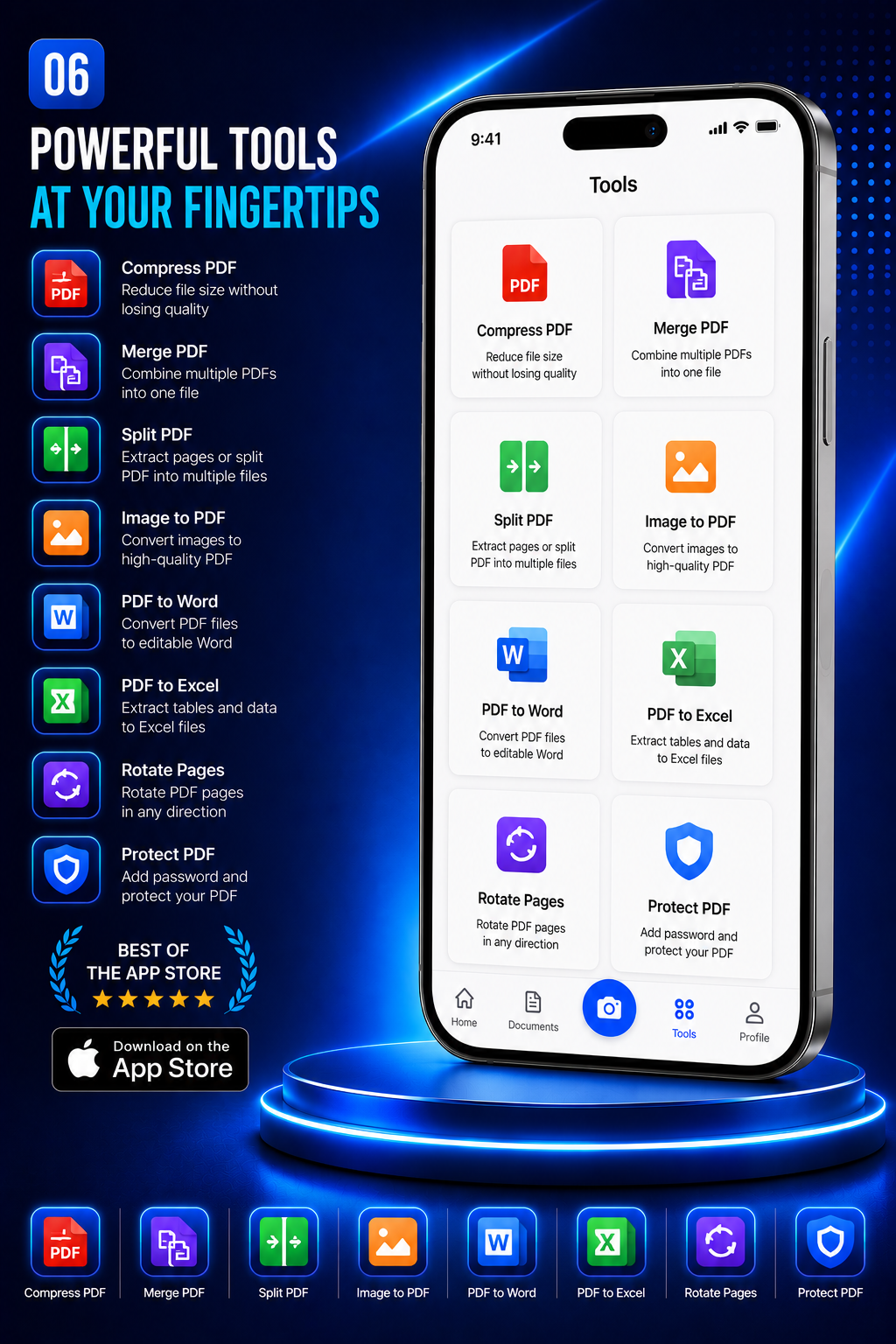
A complete PDF toolkit
The tools you usually open a laptop for — right in the app.
Merge
Combine several PDFs into one file.
Split
Break a document up by page range.
Compress
Shrink file size for email limits.
Lock
Protect a PDF with a password.
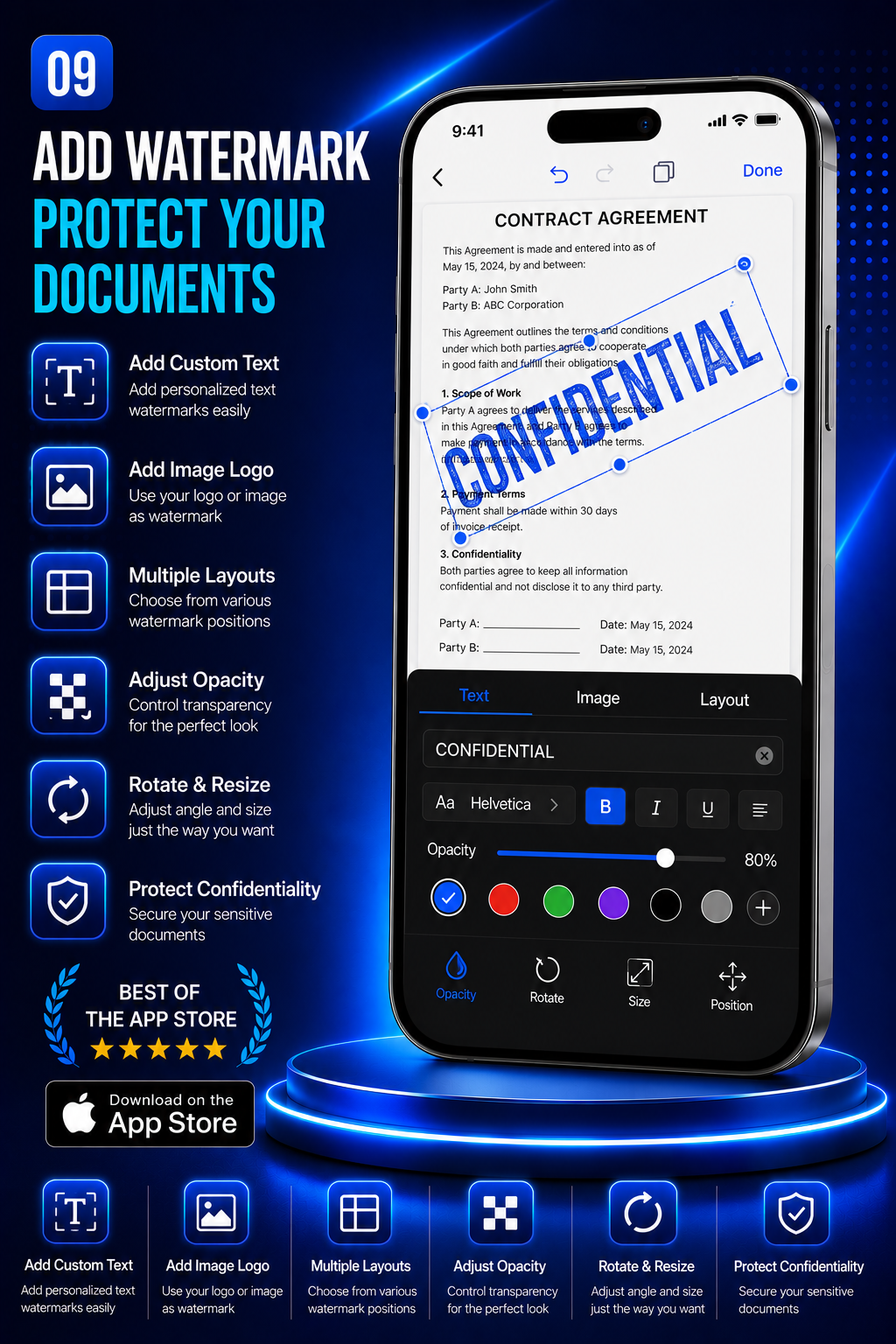
Watermark
Add or remove a watermark.
Reorder
Rearrange pages with a drag.
OCR
Recognize and extract text.
Sign
Place your saved signature.
Three taps to a finished PDF
No setup, no sign-up — open the app and scan.
Point & capture
Hold the phone over the page. DocScanProX finds the edges and shoots automatically.
Crop & enhance
Fine-tune the corners, pick a filter, and add more pages to the same document.
Export & share
Save as PDF or JPG, run OCR, sign it, then share to Mail, Files, or any app.
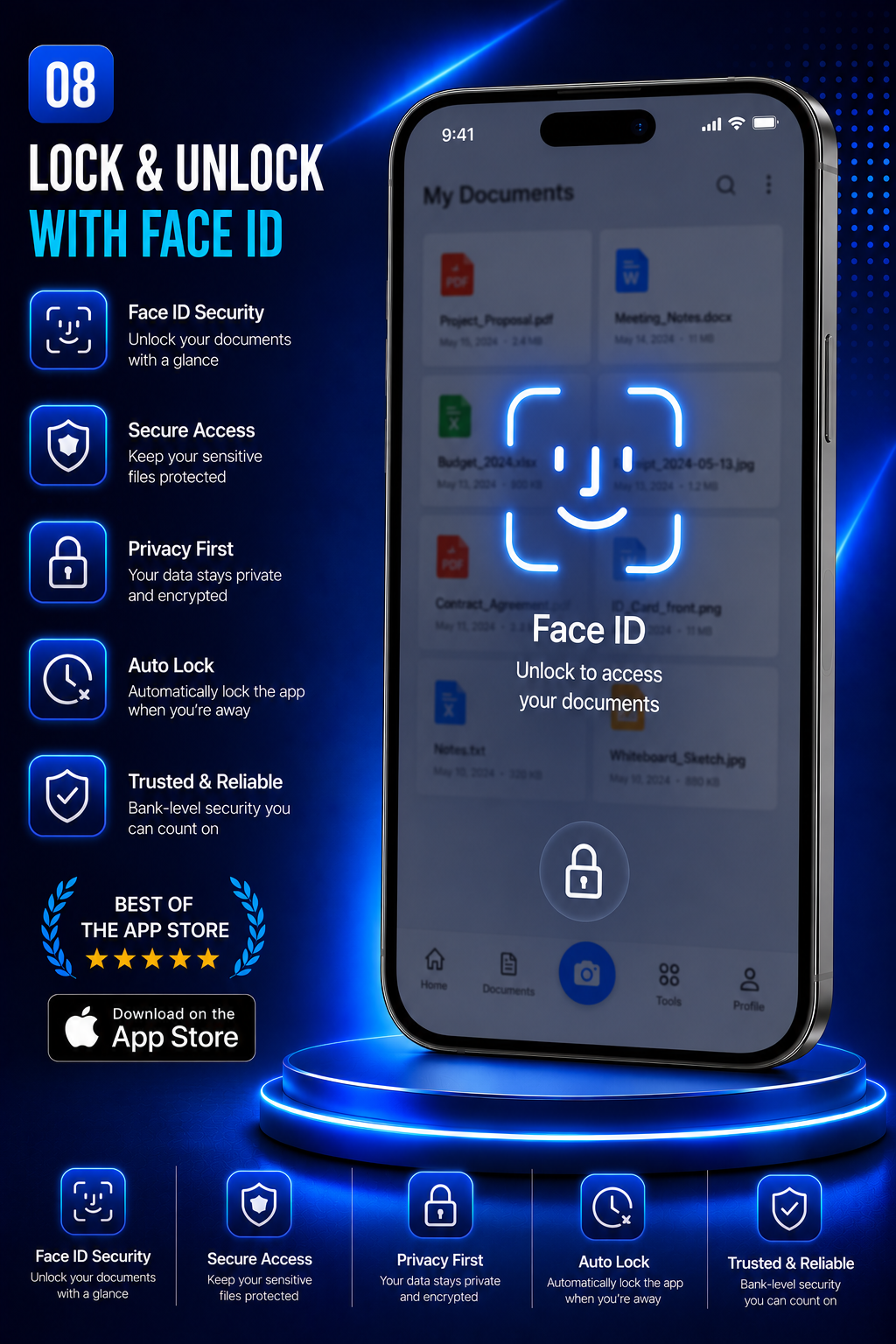
The DocScanProX experience
Real screens from the app running on iPhone.
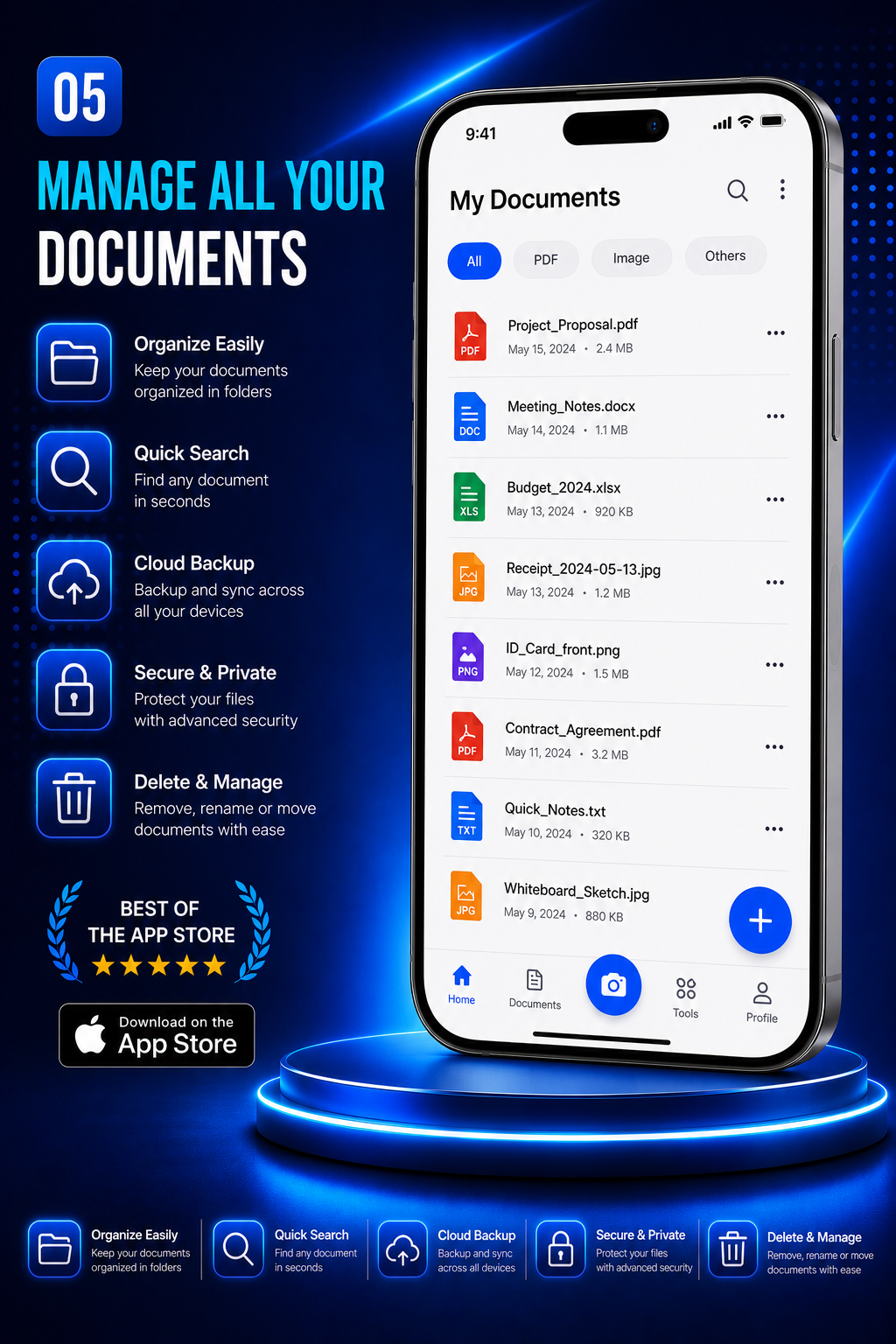
Your documents never leave your phone
Contracts, IDs, receipts — the things you scan are private by definition. DocScanProX is built that way from the start.
- Scanning, enhancement, and OCR all run on-device.
- No account, no cloud upload, no tracking SDKs.
- Files stay in the app's local storage until you share them.
- Optional Face ID app lock for an extra layer.
Ready to clear that pile of paper?
Download DocScanProX on the App Store and scan your first document in seconds.
Download on theApp Store